Your first packing list from a built-in template
The fastest way into the app is not a blank list. Start from one of the fifteen built-in templates, and the copy you adjust becomes your template for every trip after this one.
-
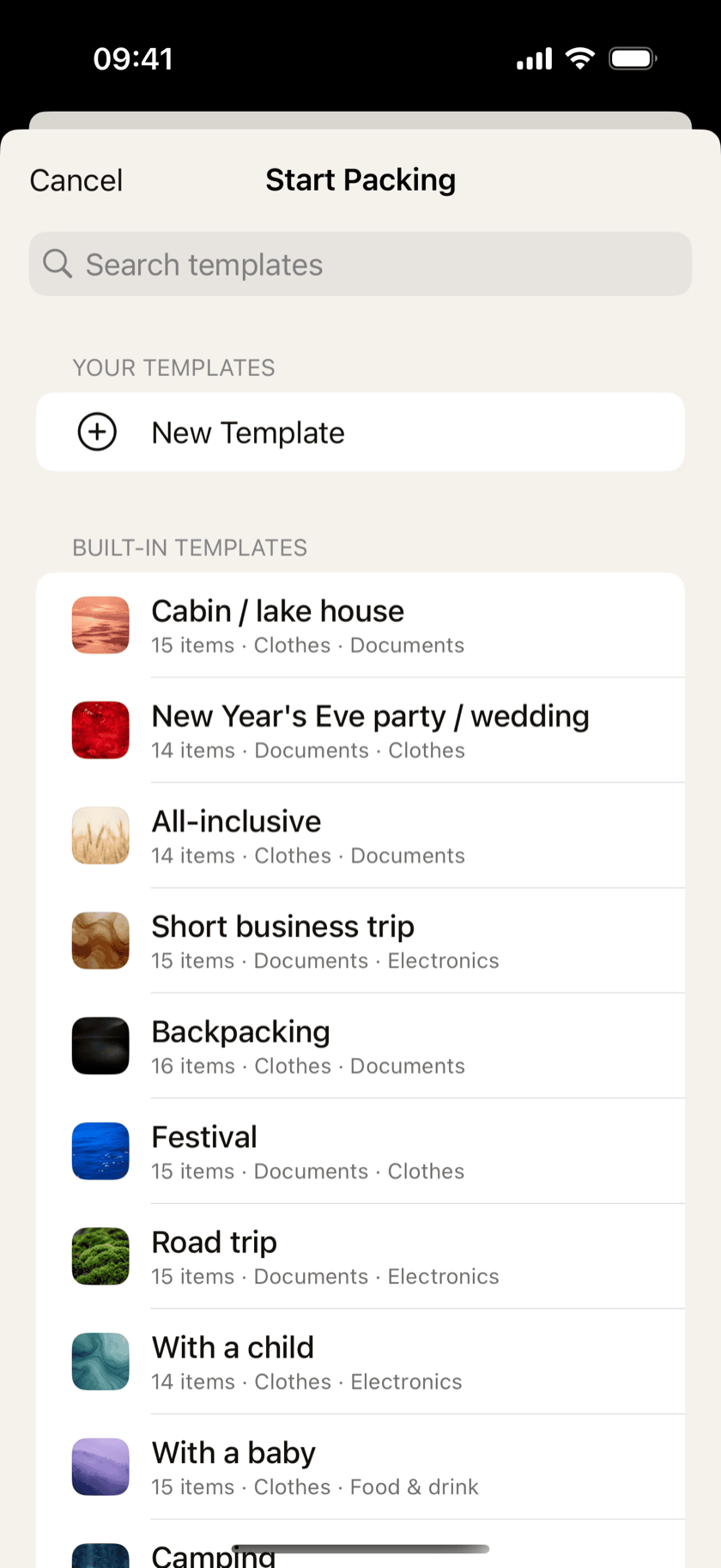
1Pick the built-in template closest to your trip
Beach week, city weekend, business trip, camping, road trip, festival, a trip with a baby — fifteen of them, each already grouped into sections and sized for a real trip. Pack from the nearest one as it is, or make your own copy: then everything in it can be renamed, removed or added to, and the packing list you finish writes your changes back to that template for next time.
-
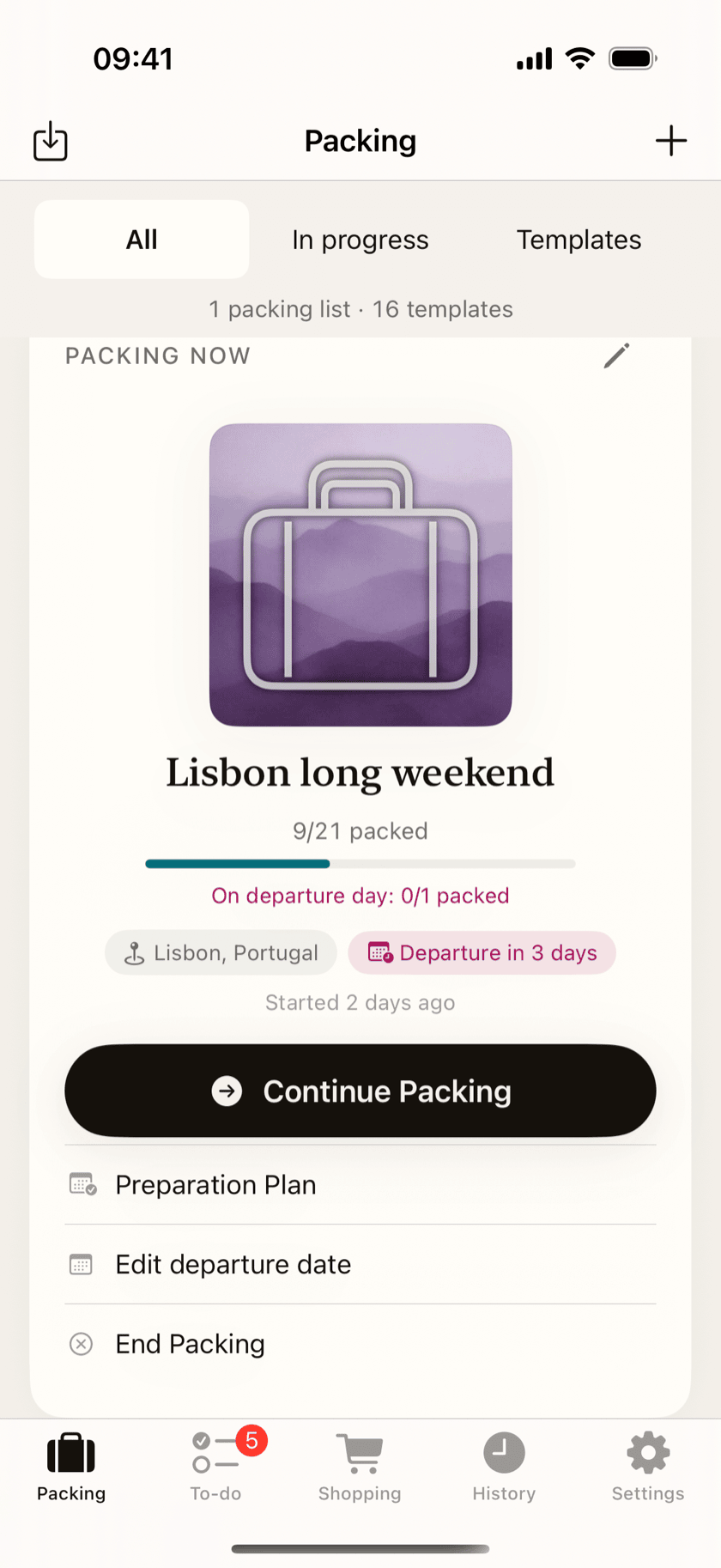
2Tell it when you leave
The departure date is the one piece of information the app builds everything else on: the countdown, the preparation plan, the reminders, and the weather suggestions for where you are going. Add it once and the week in front of you gets scheduled backward from it.
-
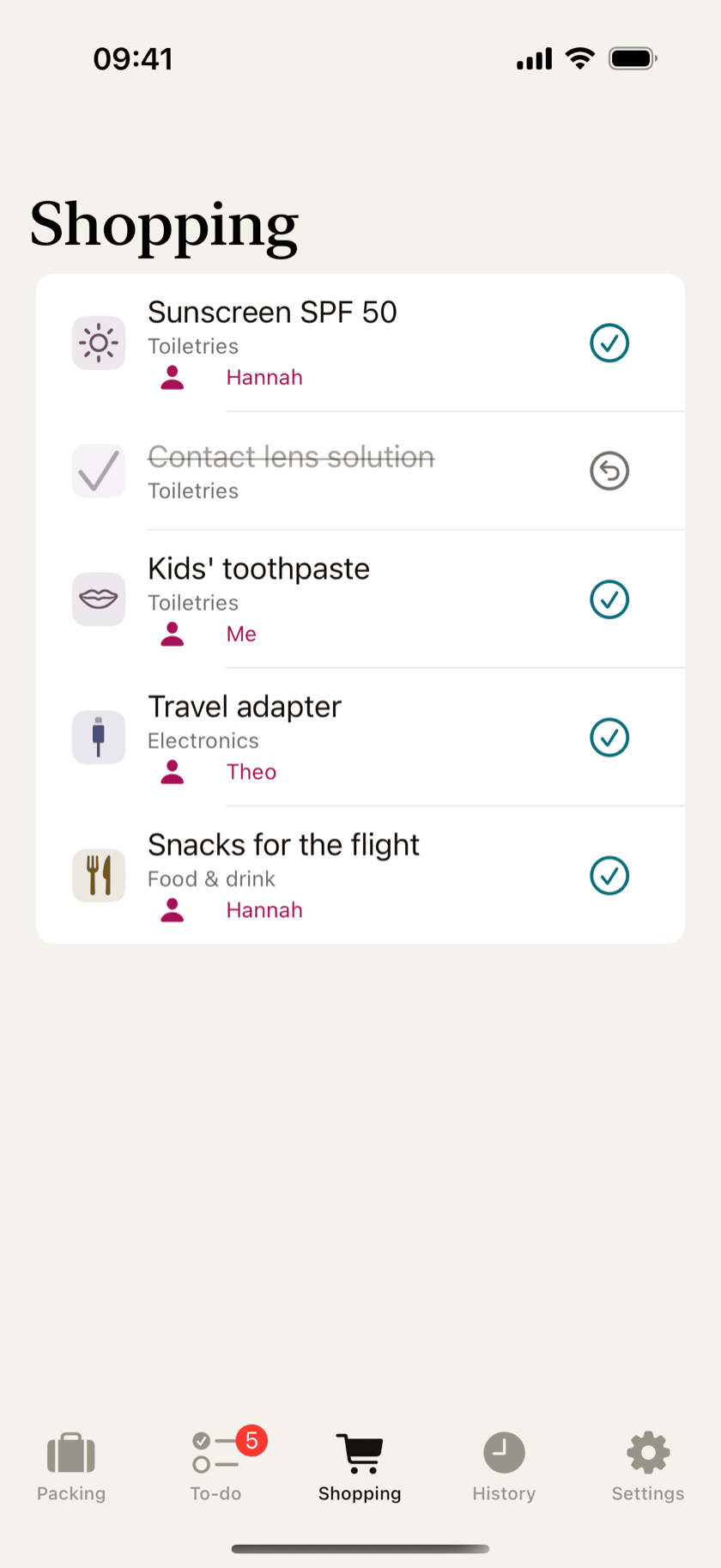
3Clear the shopping list first
Anything you flag as “needs purchase” collects on the Shopping tab instead of hiding inside the packing list. Sunscreen, an adapter, snacks for the flight — one trip to the store a few days early, and packing night has nothing left to go wrong.
-
4Pack it down to zero
Check items off as they go in the bag and the counter falls to zero. End packing, and the trip lands in History — with the option to keep your version as a template of your own.


 Video coming soon
That is the whole loop
End packing and the list you actually packed becomes your starting point for the next one. Your next packing list takes about a minute to set up.